Wachiwit/Getty Images
What To Know
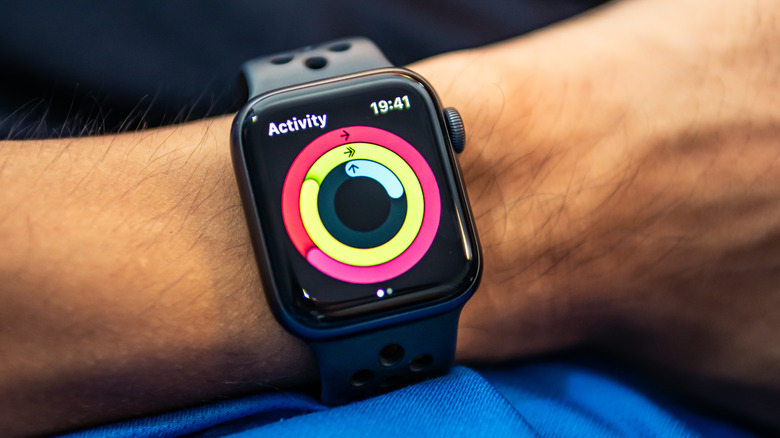
Getting and remaining in shape is a challenge for everyone, and Apple Watch users are no exception. The Apple Watch’s activity rings are a unique system designed to promote a healthier lifestyle, with the Move ring encouraging you to burn calories by moving throughout the day. However, the default settings might not match your lifestyle, but the good news is that you have the ability to take control and customize your move goal.
The Apple Watch rings provide a visual representation of your progress and serve as a reminder to move and stay active throughout the day, but adjusting your move goal to meet your needs allows you to take control of your fitness journey, ensuring your targets are both challenging and achievable.
How to change your Move goal

Anna Hoychuk/Shutterstock
New Moves
When setting a new Move goal on your Apple Watch, it’s important to consider your current fitness level and daily routine. Here’s how to do it:
- Open the activity app on your Apple Watch.
- Scroll down to find the “Change Goals” option and tap it.
- Adjust the calorie count by tapping on the plus or minus until it reflects your preferred level.
- Tap “set” to confirm your new Move personal goal setting.
Once you have changed your Move goal, consider setting new exercise and stand goals. After these changes have been confirmed, your Apple Watch will start tracking your activity against these new customized goals. Keep an eye on the daily activity summary to see your new Move goal displayed. If you enjoy challenging your fitness levels, remember that you can always increase your Move goal to match your progress over time.
