Skip to content

Image: Alaina Yee / Foundry
With more than 45 million units sold, the Raspberry Pi is not only by far the most successful single-board computer, but also the best-selling British computer ever. The single-board computer (“SBC”) has also won countless awards.
So it’s no wonder that the tiny developer board from the British Raspberry Pi Foundation also attracts many beginners and novices with its favorable price. But after buying it, new owners often wonder what exactly they should do with the tiny board.
This article helps beginners tackle the best projects for getting started with the popular single-board computer without much prior knowledge.
FXML
Raspberry Pi 4, the predecessor of the latest generation Raspberry Pi 5, already has a Broadcom processor with four fast ARM Cortex-A72 processor cores at 1.5GHz as well as 4 gigabytes of LPDDR4 and an integrated graphics unit.
So what could be more obvious than to use the first steps with the single-board computer to build a tiny Linux PC? This can then easily be used as a typewriter or for researching on the internet.
To create a small, fully-fledged Linux PC with an open operating system, you only need the following resources and tools:
You will also need a second computer system, which will be used to download the official operating system and install it on the microSD memory card.
Once you have all the ingredients together, you can get started. The first step is to install the small single-board computer in the official housing of the Raspberry Pi Foundation. This is done in next to no time with the enclosed instructions, does not present any insurmountable obstacles even for beginners, and takes around 15 minutes.
The next step is to download the operating system and save it to the microSD memory cards.
View micro SD bestsellers on Amazon
In most scenarios, Windows 10 or Windows 11 serves as the starting point for a later installation of the Raspberry Pi OS. This is where the so-called comes into play, which can easily create bootable installation media for Raspberry Pi OS from a microSD memory card and prepare it accordingly for the subsequent setup.
Once the process is complete, which usually takes around 15 to 30 minutes, you can insert the microSD memory card into the Raspberry Pi and boot up the single-board computer.
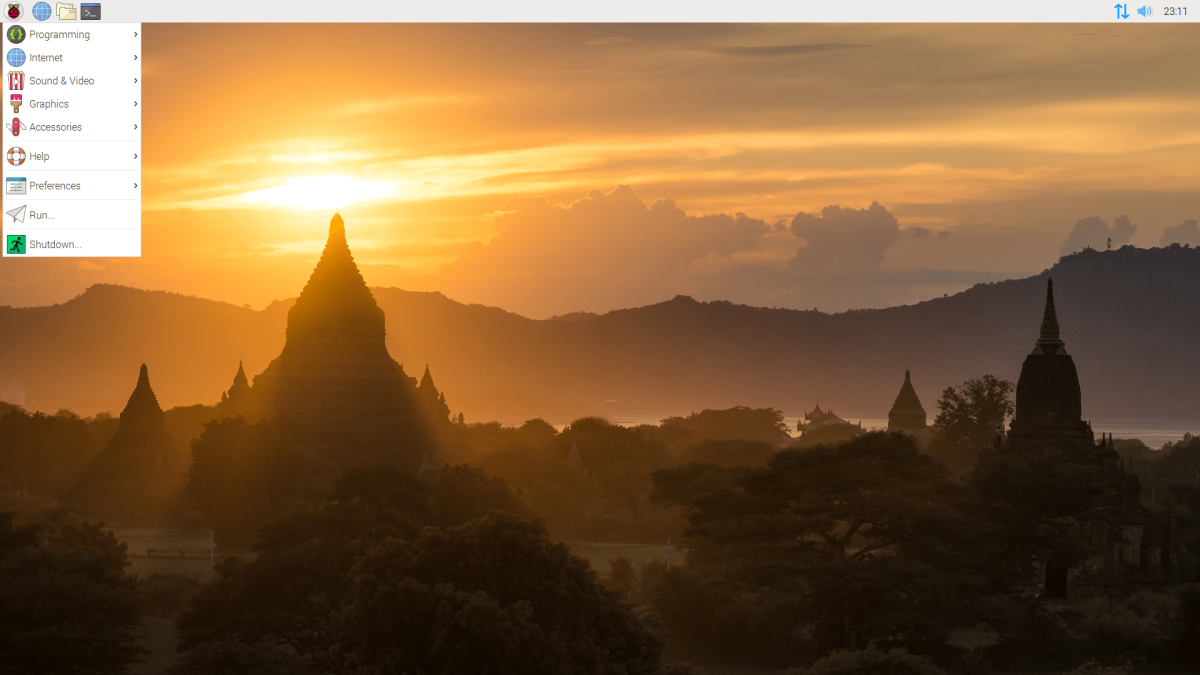
Raspberry Pi Foundation
From this point onwards,
